8.1.4.16
9706 – Health Insurance
Run this report to ensure you have filled in your children’s Health Insurance status.
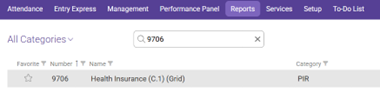
In the Reports tab use the search bar to search for 9706 then select 9706 Health Insurance.
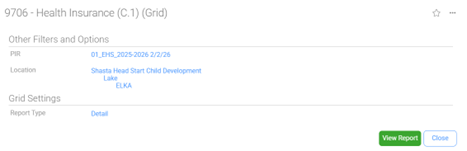
PIR: 01 “Program Year and current month”
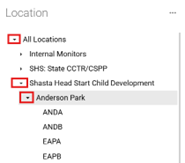
Location: Shasta Head Start Child Development, “Your Site”, “Your Class” (Dropdown Menu)
To select your site and classroom, start by clicking on the arrow to the left of Shasta Head Start Child Development. This will open the list of locations. Click the arrow to the left of the location and select the classroom from the dropdown menu.
Report Type: Detail
Screen should look as follows-
Click View Report
Always Preview your report before Printing.
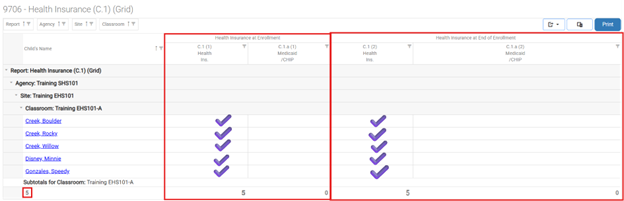
Ensure there is a check mark for Health Insurance at Enrollment, as well as Health Insurance at End of Enrollment
Ensure that the PIR total count is the same as the “Subtotals for Classroom” count, if not, look for missing checkmarks to see what question needs an answer