
8.1.4.13
4140 – Home Visits
Type 4140 in the Search Reports Box, select the report titled 4140 Home Visits
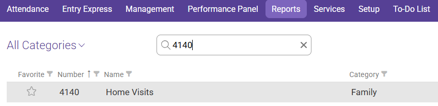
Choose the Appropriate options for your caseload.
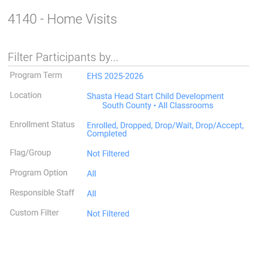
Filter Participants By:
Program Term: “Your Program” (EHS/HS) and current program year
Location: Shasta Head Start Child Development “Your Site”, “Your Classroom”
Enrollment Status: Enrolled and Dropped
Flag/Group: Not Filtered
Program Option: All
Responsible Staff: All
Custom Filter: Not Filtered
Other Filters and Options:
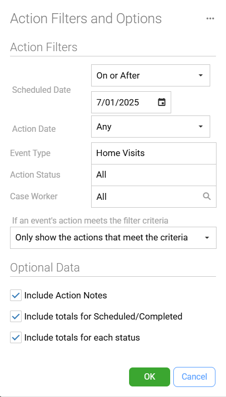
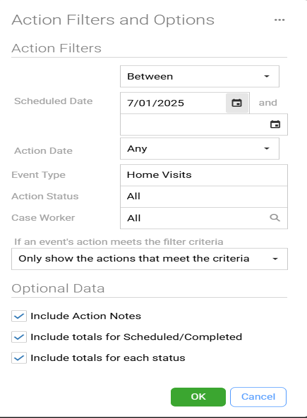
Actions :
Scheduled Date: On or After 7/1/(Program Year)
Action Date: Any
Event Type: Home Visits
Action Status: All
Case Worker: All
If An Events Action Meets the Filtered Criteria: Only Show The Actions That Meet The Criteria
Optional Data:
Check: Include Action Notes, Include Totals for Scheduled/Completed, Include Totals for Each Status
Formatting
Report Type: Detail
Group By: Classroom
Click View
Always Preview your report before Printing.