
< back to welcome page 1 Recruitment 2 Eligibility 3 Selection 4 Enrollment 5 Receiving (or Providing) Services 6 Transition 7 Admin/Operations 8 ChildPlus

ChildPlus Manual

8.1Child Plus Manual

8.1.1Health Entry 8.1.2Family Services 8.1.3Entering Meal Counts 8.1.4Reports 8.1.4.22CP Report 3011-Missing Health Event (Grid) 8.1.5To Do List Set Up

8.2CP Entering & Maintaining Family Information

8.4CP Eligibility

8.5CP Selection

8.6CP Enrollment

8.7CP Home Visiting

9 Learning Paths

8.1.1.1


Add Health Events

 

1. Click on “Add Event”

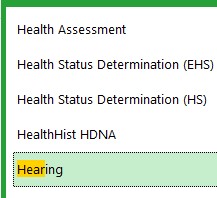
2. Select the health event  you are entering

***Start typing the name of the screening you want to enter or use the pull down menu
3. Click on OK

4. Turn to the indicated page for the event you are entering